Writing problems
Your reading order and chronological order are different
You know when events happened but keep losing track of where readers encounter them. Flashbacks or parallel sequences make one linear outline do two incompatible jobs.
How PlotDirector can help
Start here
Timeline
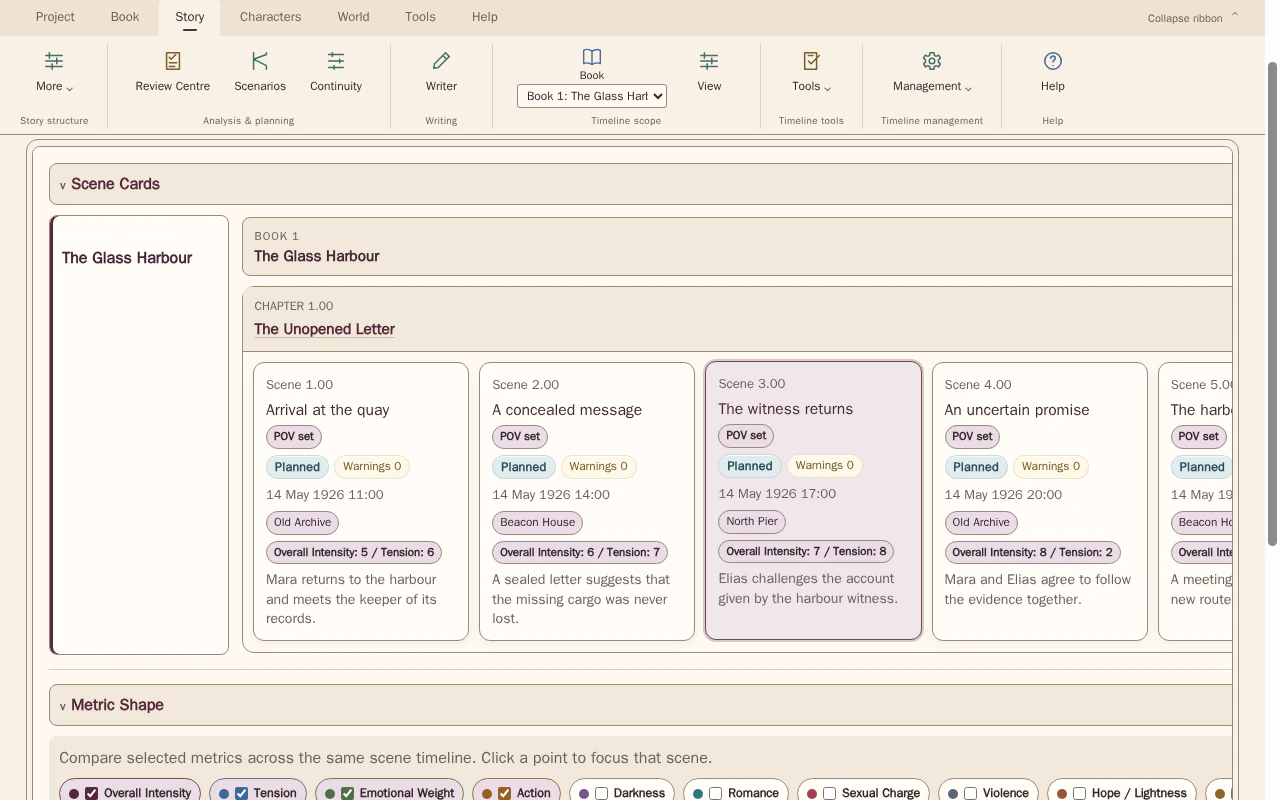
Keep the manuscript sequence visible while checking the dates attached to its scenes.
Compare scene order with the dates, times and locations recorded for each scene. Select scenes to inspect the details behind the sequence.
Look for The actual event sequence, each jump in reading order and the information the reader has at that point.
See how Timeline worksExplore the tool without signing in.
Why this happens
A nonlinear book has at least two useful sequences: events in the story world and information as presented to the reader. Their difference can be the design, not an error to remove.
A flashback can be clear in calendar terms but confusing as an information transition. Check both the event's place in history and the reason the reader encounters it at this point.
What to look for
- Maintain a chronological reference beside manuscript order
- Mark transitions that need reorientation
- Check what each return assumes the reader already understands