Writing problems
Every change seems to break something else
A small revision seems to unsettle facts, timing or motivations elsewhere. You hesitate to edit because you cannot see the full extent of the dependencies.
How PlotDirector can help
Start here
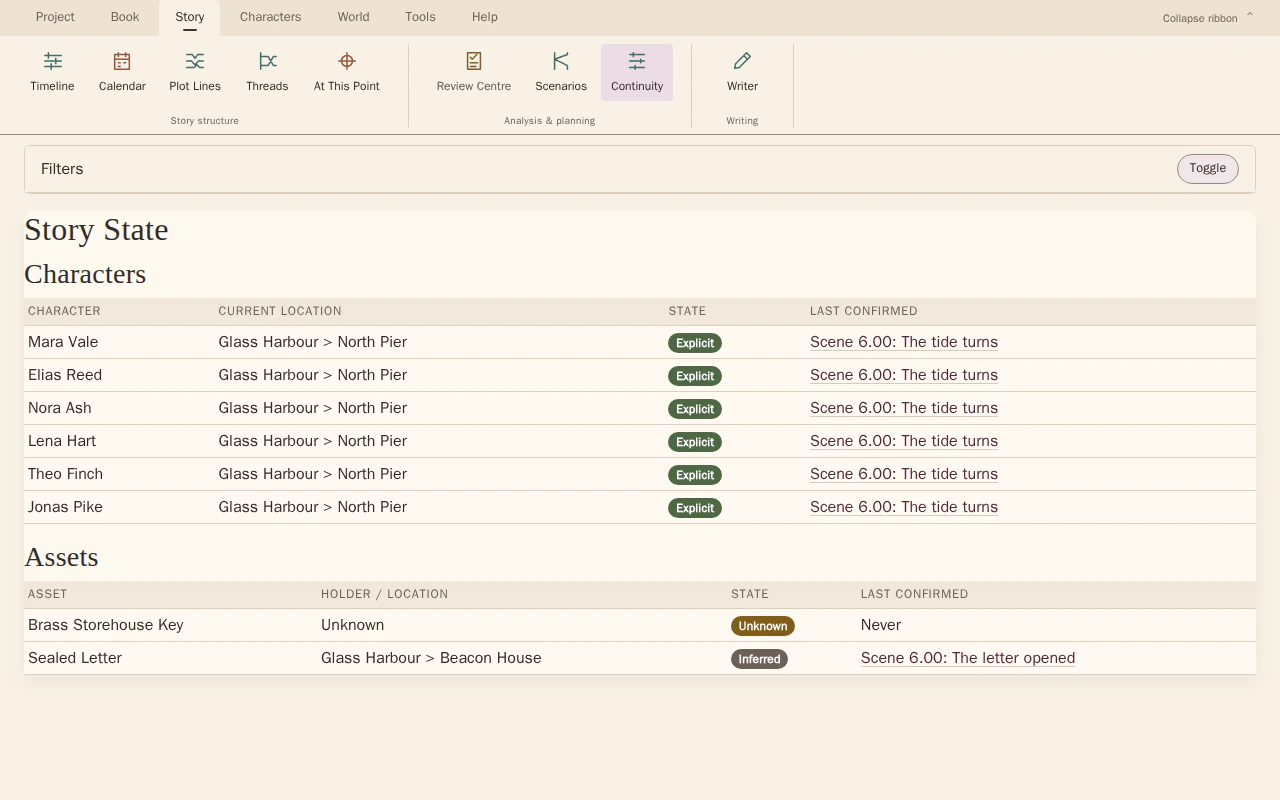
Continuity Explorer
Story-state records and scene references give you a starting point for checking the affected details.
Inspect recorded story state at a scene, or follow changes across a range, with links back to the relevant story details.
Look for The first changed fact or event, later uses of it and connections still reflecting the previous version.
See how Continuity Explorer worksExplore the tool without signing in.
Why this happens
A manuscript contains many kinds of dependency. Moving a discovery, removing a scene or changing a detail can affect passages that no longer sit nearby on the page.
Changing the source of one discovery may alter what several later conversations can assume. Reviewing that specific chain is usually more informative than restarting an undirected search through the whole book.
What to look for
- Name exactly what the change alters
- Trace later passages that rely on the old version
- Check earlier preparation that may now promise the wrong outcome