Writing problems
A character's age doesn't match the dates
A birthday, remembered childhood event or later-book age does not fit the calendar you have established. Both individual statements may have seemed harmless when written separately.
How PlotDirector can help
Start here
Timeline
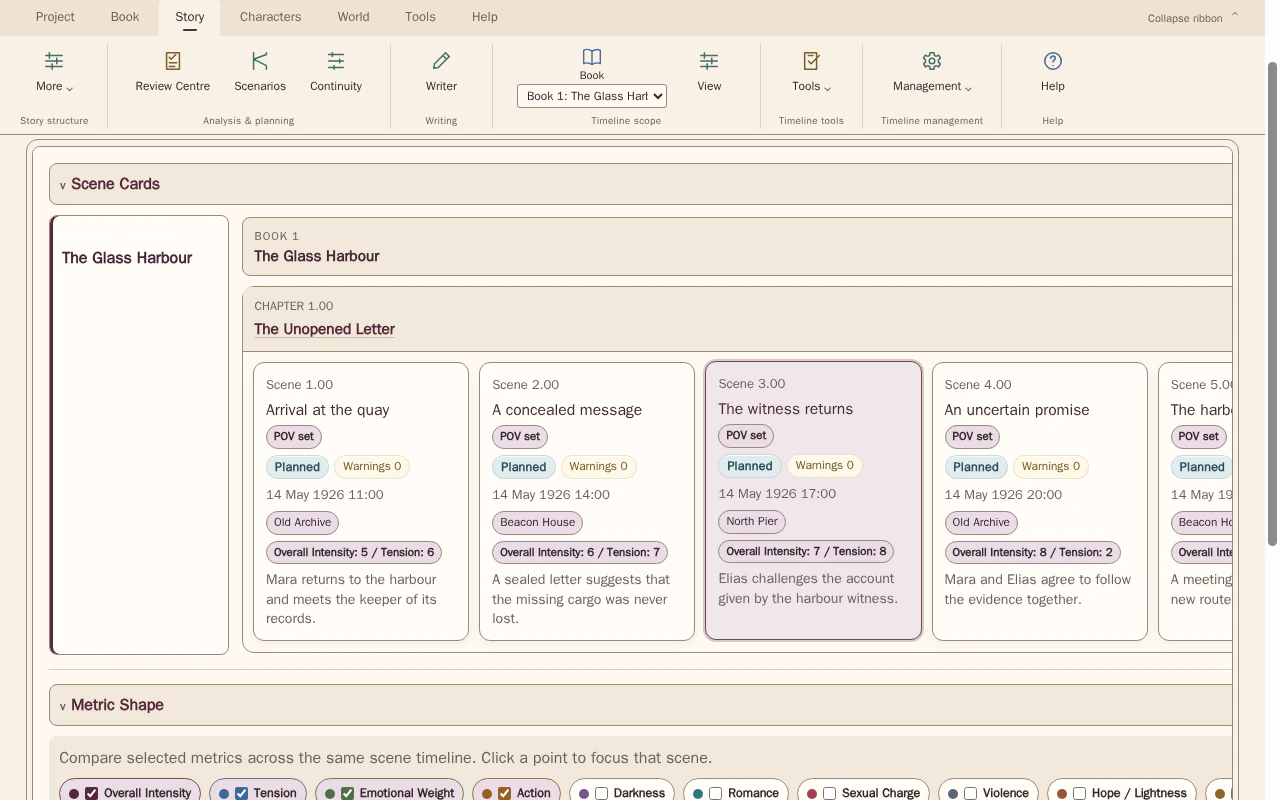
Put the dated scenes in order, then check their ages against the character’s agreed reference.
Compare scene order with the dates, times and locations recorded for each scene. Select scenes to inspect the details behind the sequence.
Look for The birthday, elapsed years and the exact scene where the age no longer fits.
See how Timeline worksExplore the tool without signing in.
Why this happens
Ages often mix exact dates, rounded descriptions and elapsed years. The comparison needs a reference date; an age recorded without one can drift as the fictional calendar advances.
Two age claims can both be correct if a birthday falls between them. Establish the relevant story positions before changing either statement to make the numbers look identical.
What to look for
- Anchor the age claim to a particular scene date
- Compare birth dates and intervening birthdays
- Check whether remembered ages are precise or approximate