Writing problems
The amount of time between events doesn't work
The dates may agree, yet a journey, recovery or sequence of tasks seems squeezed into an interval that cannot support it. The problem is the available span, not necessarily the calendar labels.
How PlotDirector can help
Start here
Timeline
Compare the recorded endpoints and the events that must happen between them.
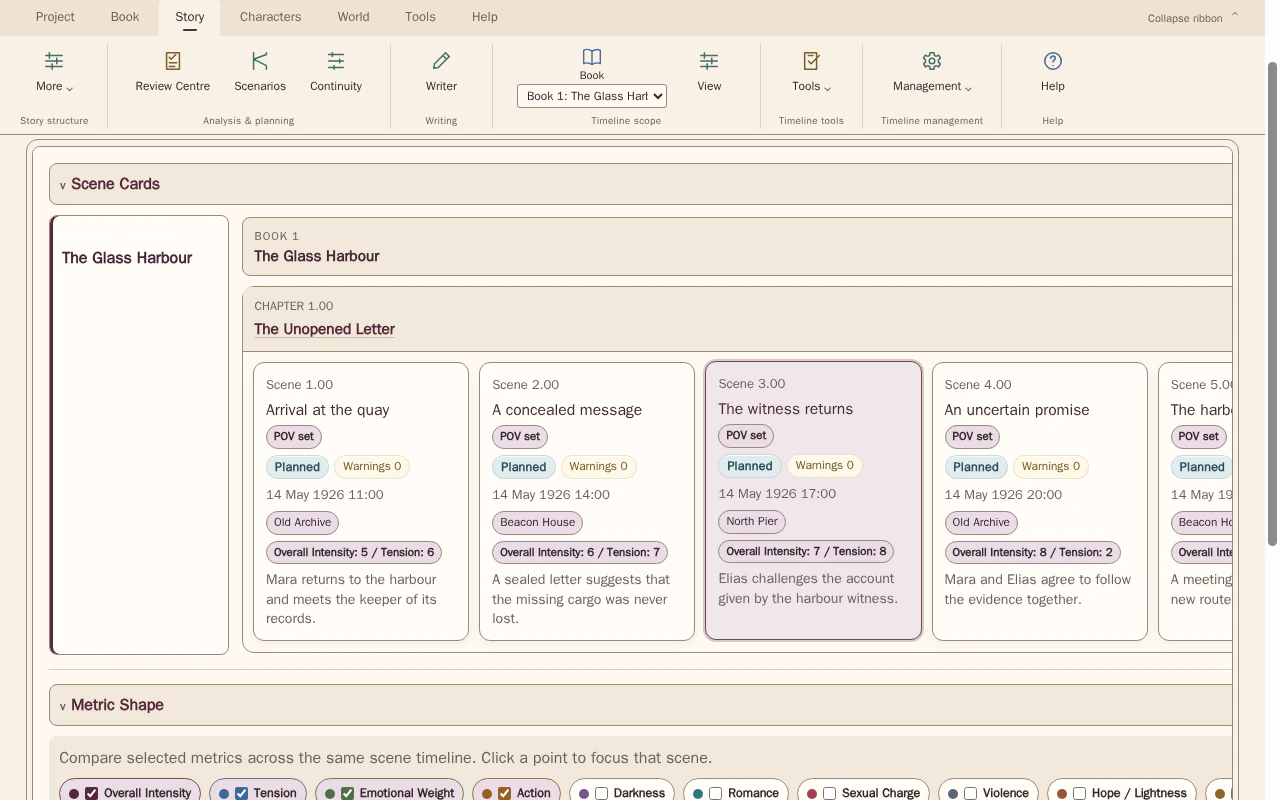
Compare scene order with the dates, times and locations recorded for each scene. Select scenes to inspect the details behind the sequence.
Look for The start, the finish and the amount of story time available for travel, recovery or other intervening action.
See how Timeline worksExplore the tool without signing in.
Why this happens
Durations are easy to imply loosely while drafting. Later edits can shorten a gap without changing everything the characters are expected to accomplish inside it.
A day containing several individually plausible activities may still be overfilled once travel and waiting are included. Inspect the combined interval rather than validating each activity in isolation.
What to look for
- Identify the start and end of the disputed interval
- List activities that must fit within it
- Distinguish elapsed time from time spent on the page